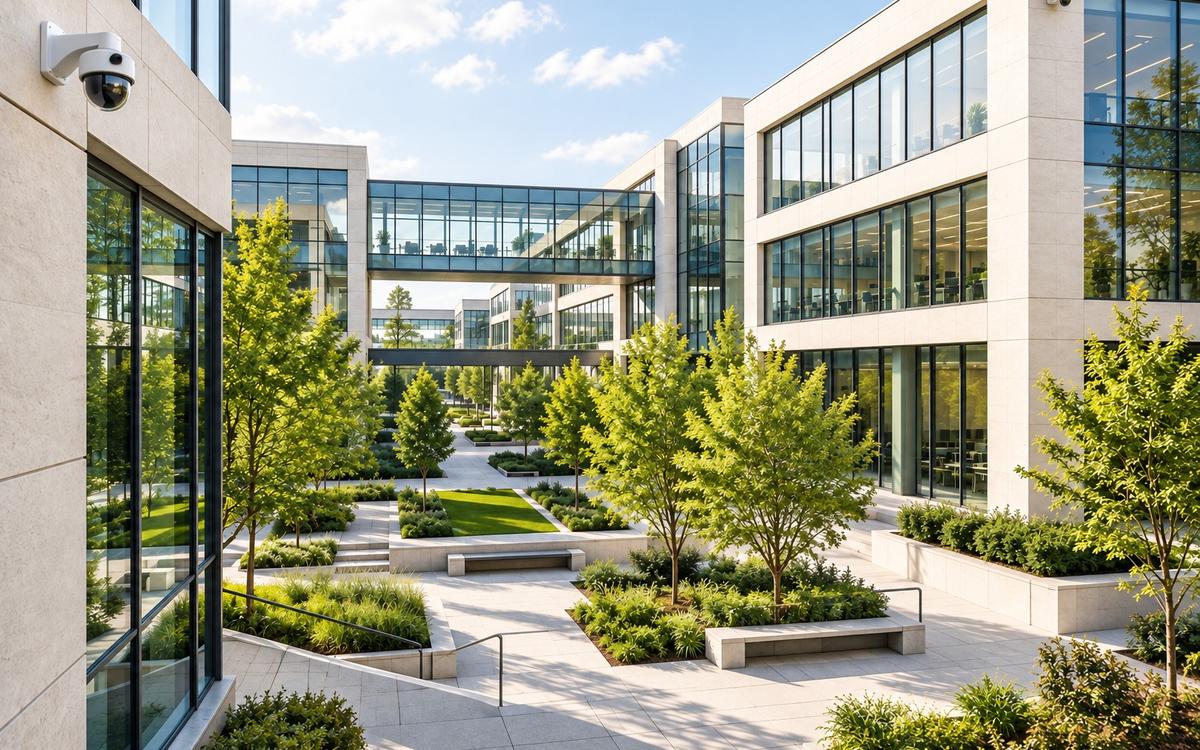
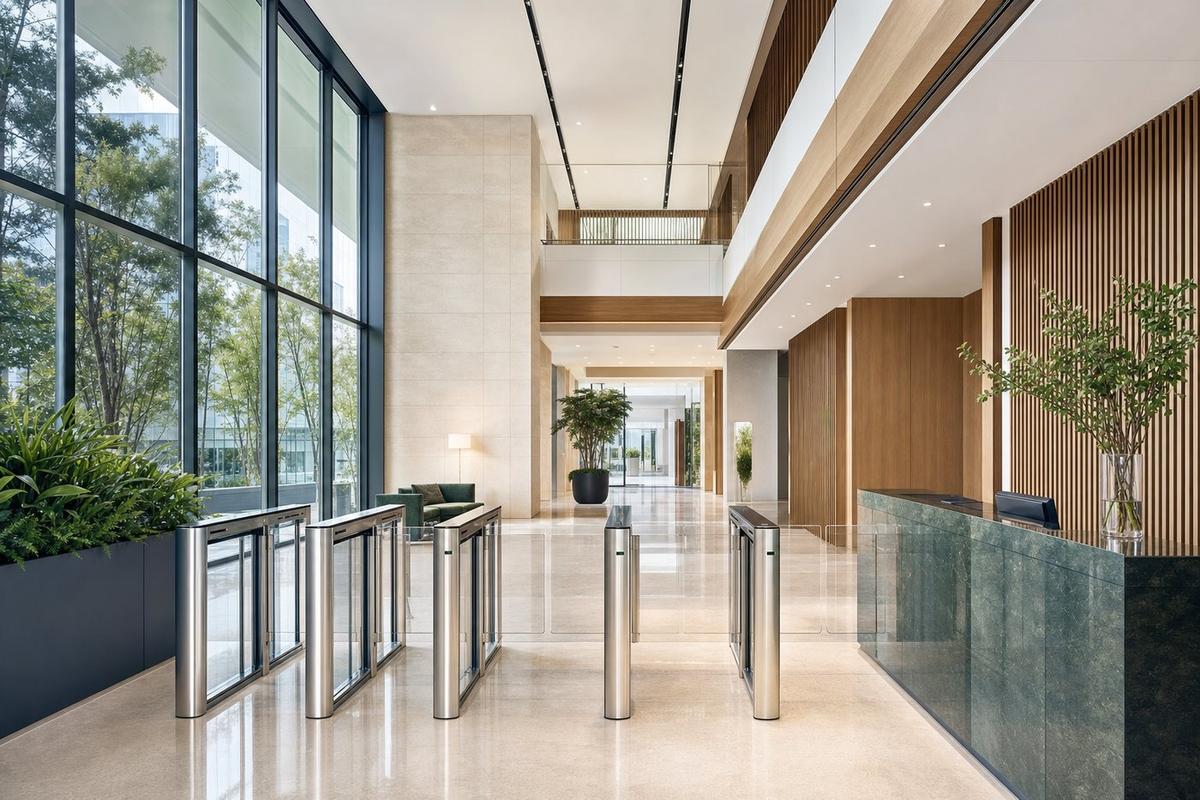
Offices & commercial buildings
Secure entrances, manage access, and maintain visibility across offices and shared spaces.
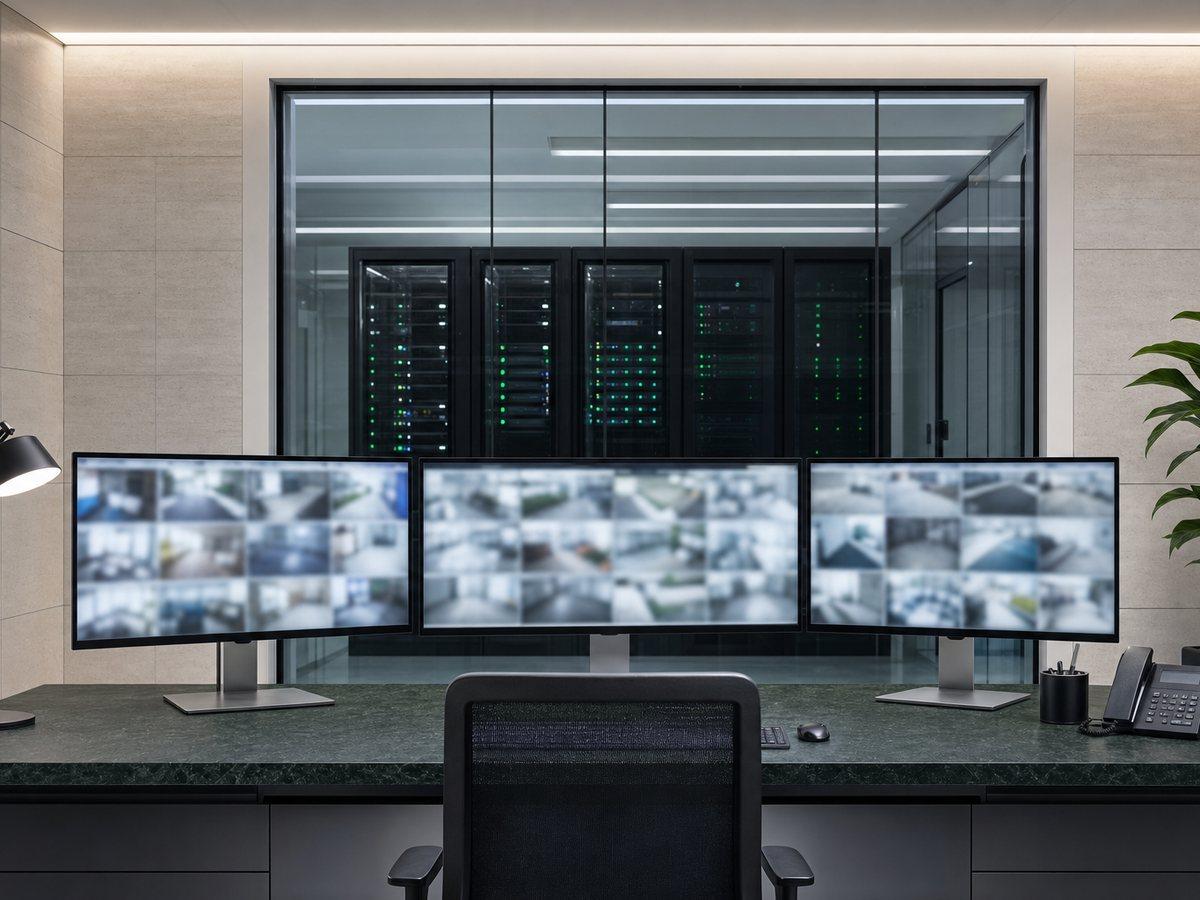
Fortress Global Technology installs and configures enterprise-level video management systems that give property owners, security directors, and operations teams a single platform to monitor, record, search, and investigate camera activity across one location or dozens of sites from any device, anywhere.
Secure entrances, manage access, and maintain visibility across offices and shared spaces.
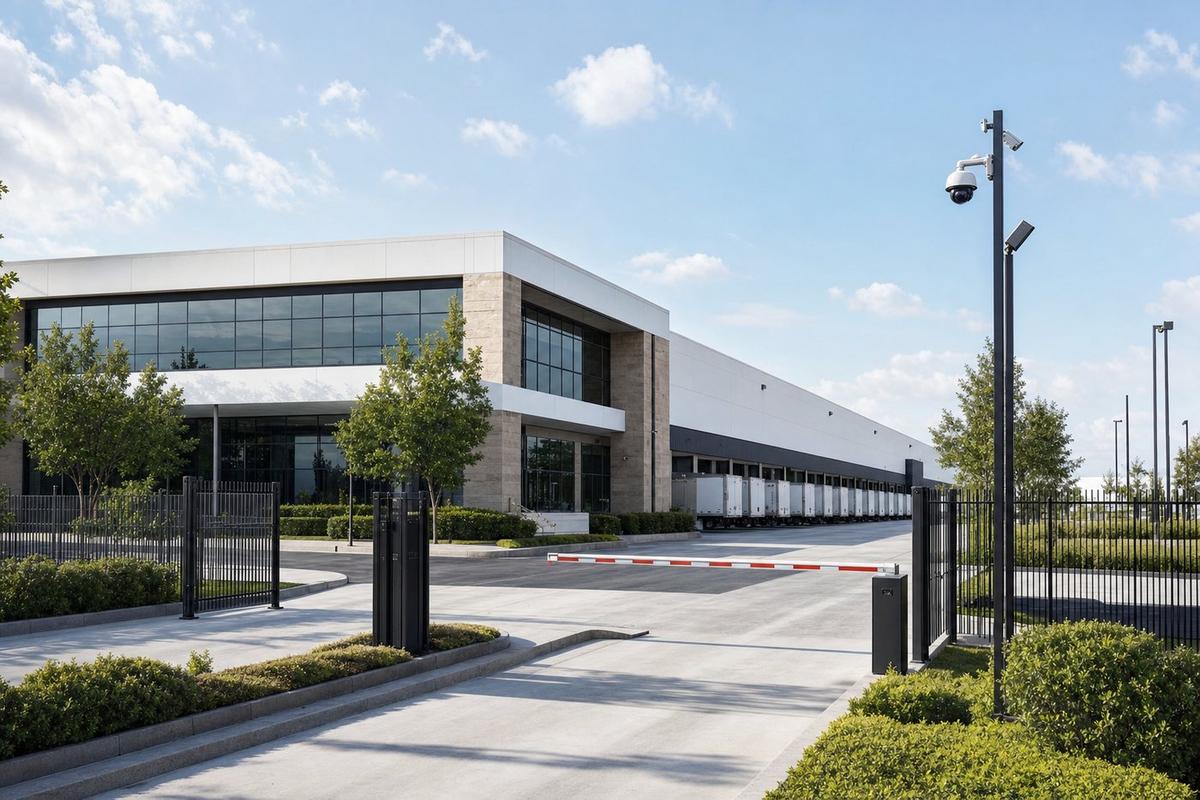
Monitor operations, protect assets, and secure both permanent and remote locations.

Reduce shrinkage, manage employee access, and maintain visibility across locations.

Improve visibility across buildings and outdoor areas while helping teams respond quickly.
Fortress Global deploys and supports the leading cloud and on-premise video management platforms, configured for your operational environment and integrated with your broader security infrastructure.
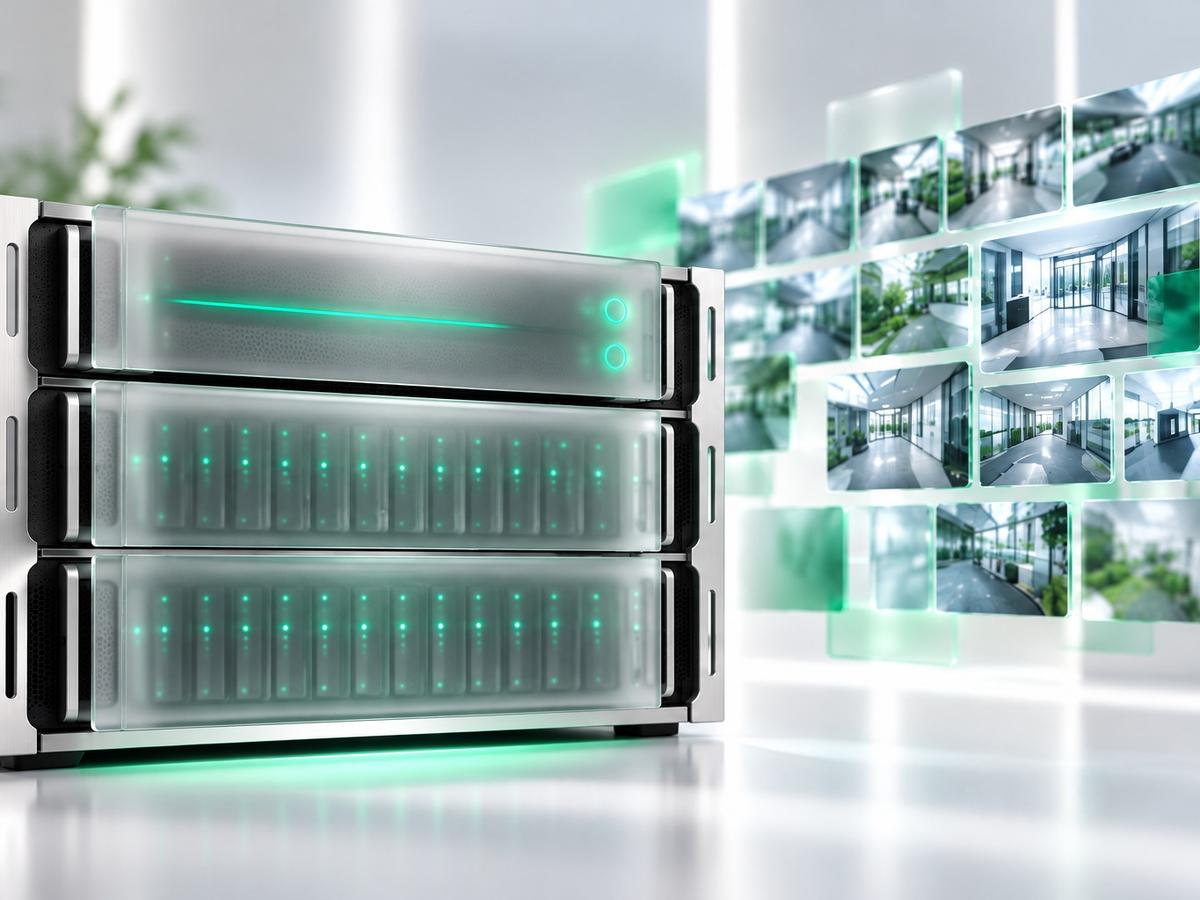
Milestone XProtect is the global standard for enterprise on-premise video management, deployed across some of the largest and most complex security environments in the world. For organizations with strict data sovereignty requirements, high camera counts, advanced forensic investigation workflows, or specialized integration needs, Milestone provides unmatched flexibility and depth. Fortress Global designs, installs, and configures Milestone deployments ranging from single-site installations to multi-server enterprise architectures with hundreds of cameras and custom analytics integrations.
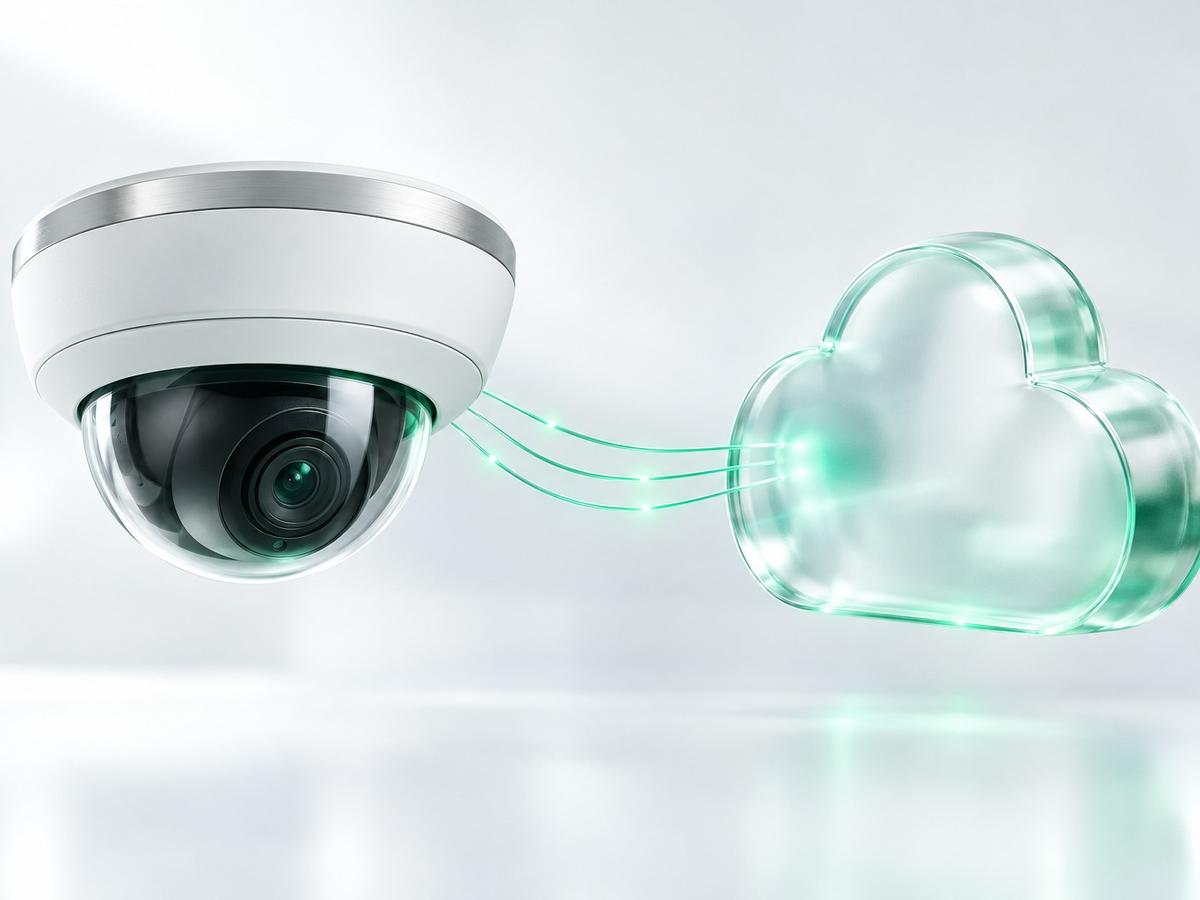
Verkada is a cloud-native video management platform where cameras connect directly to Verkada's cloud infrastructure. There is no on-site server to maintain, no software to patch, and no storage hardware to replace. All video, analytics, and access logs are available through a unified web dashboard and mobile app. Verkada's automatic firmware updates, 99.9% uptime SLA, and built-in AI analytics make it the preferred platform for properties that want enterprise-grade capability without an in-house IT team to support it.
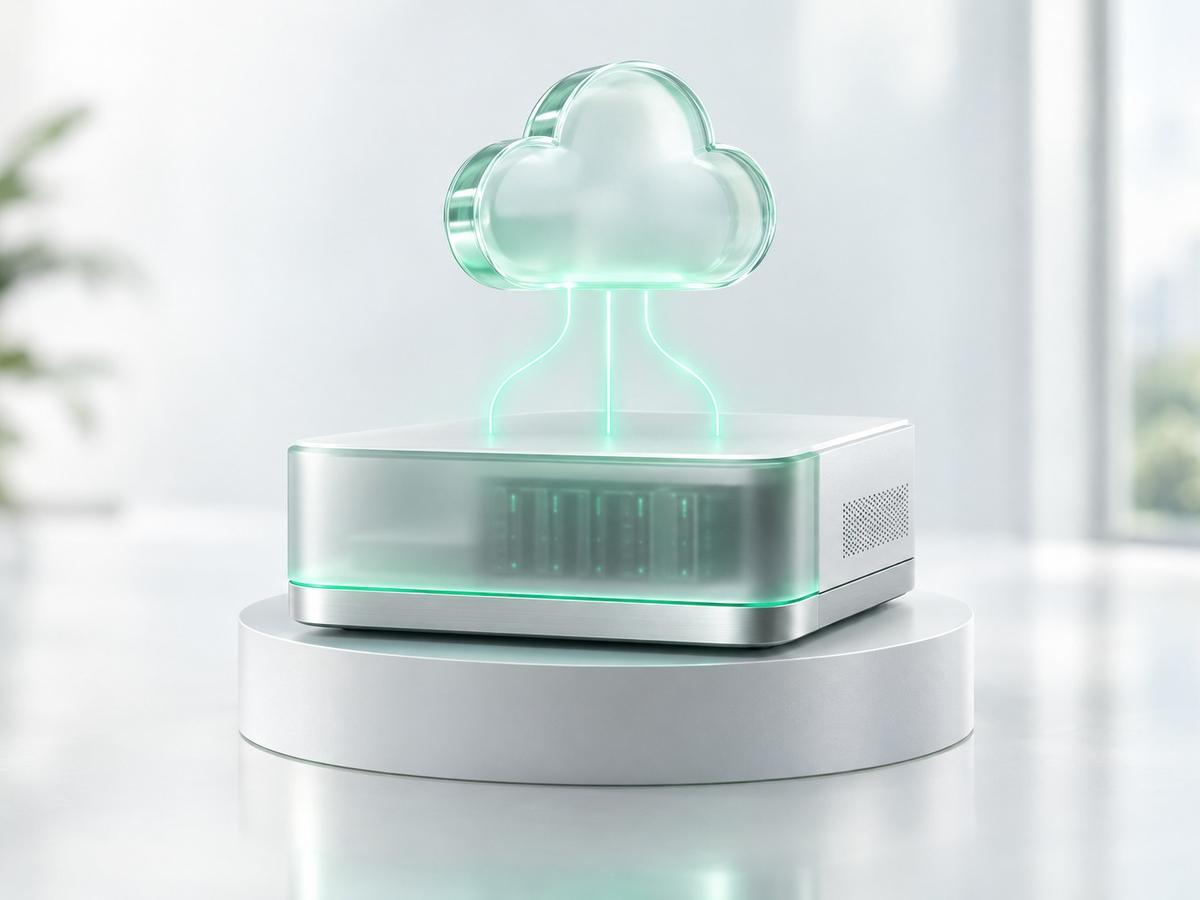
Hanwha Wave is a hybrid video management platform built to perform as a standalone on-premise system or connect to the cloud through Wave's central management layer, making it a strong fit for organizations that want local recording control with optional remote access and centralized management across multiple sites. Wave's open architecture supports a broad range of third-party cameras alongside Hanwha's own hardware, and its licensing model makes it a cost-effective path to enterprise-grade video management. For multi-site operators who need centralized visibility without full cloud migration, Fortress Global configures Wave's CMS to deliver unified monitoring, user management, and event search across every location from a single interface.


Years in the industry
Completed installations across the U.S.
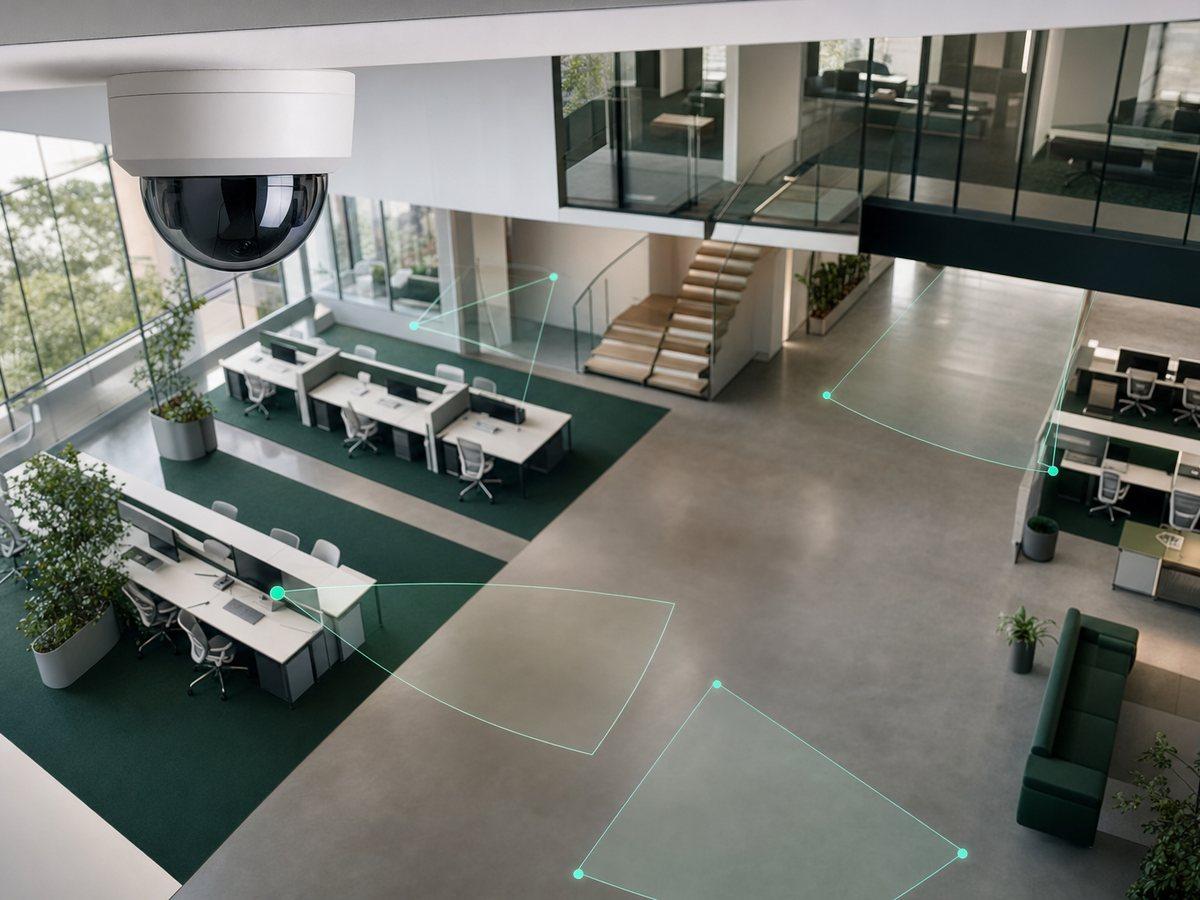
Object classification and behavioral rules that cut false alerts and surface the events that matter.
View page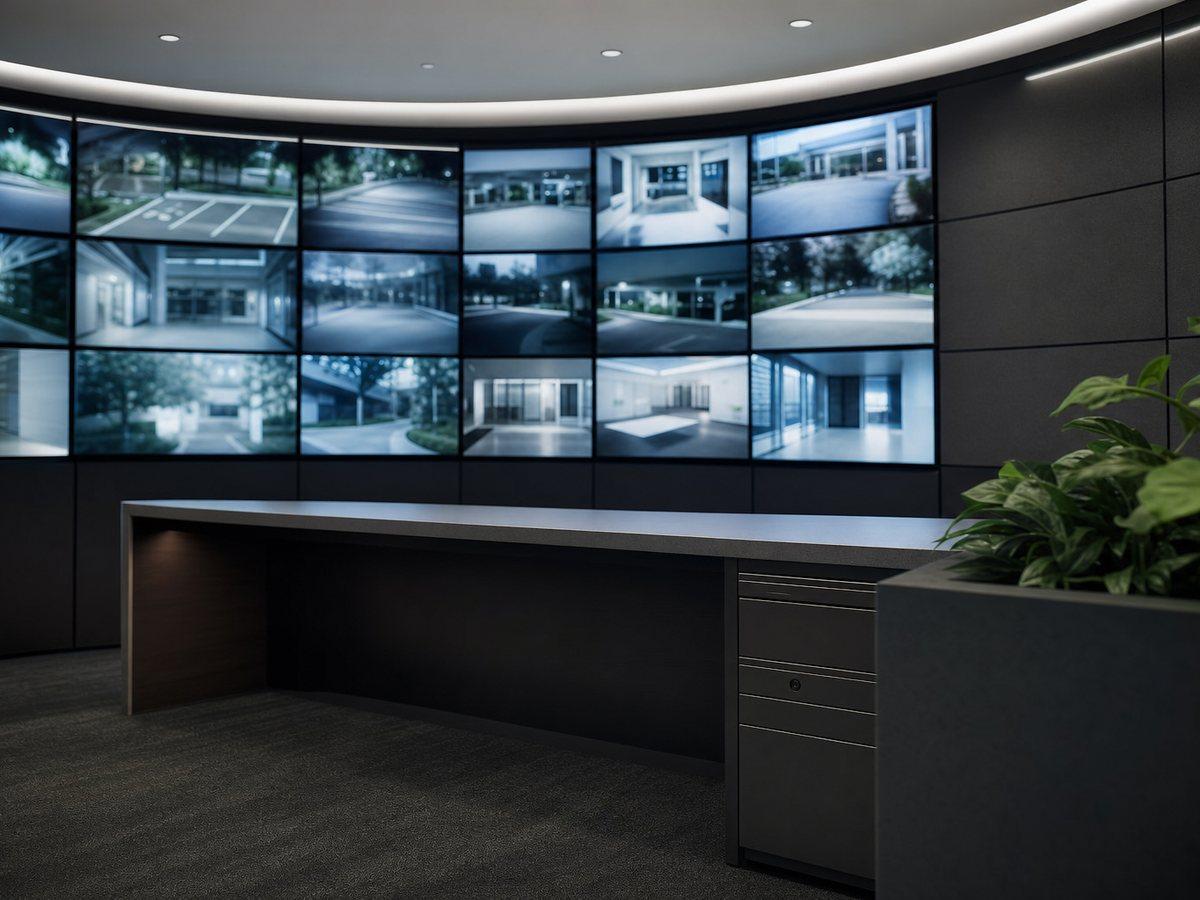
Live oversight during high-risk hours, with verbal warnings, escalation and documented response.
View page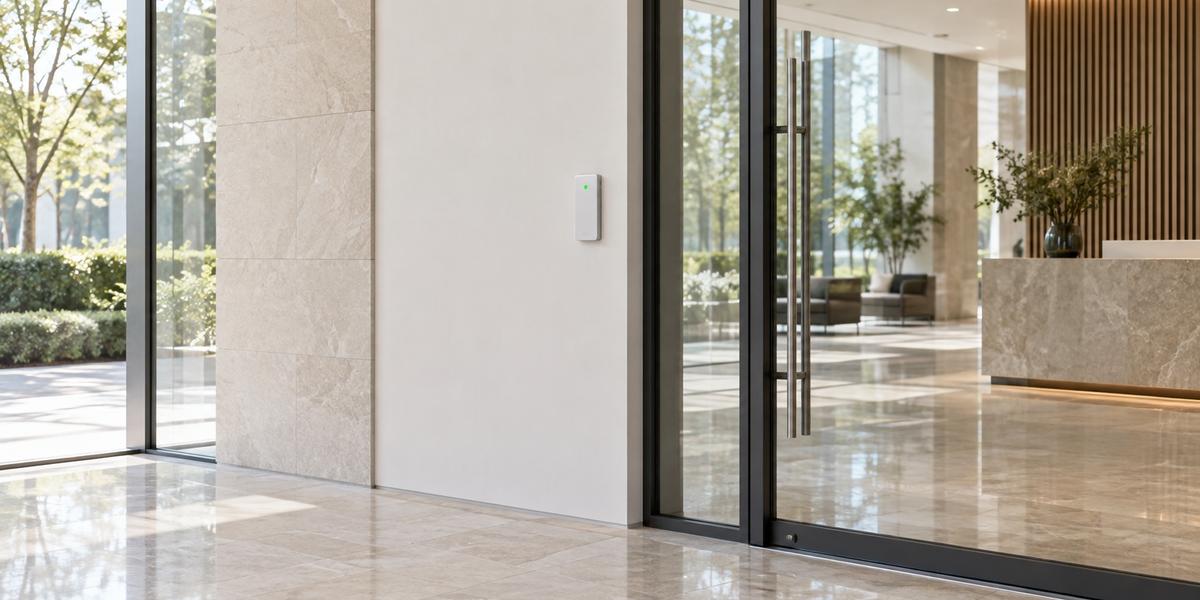
Cloud and on-premise platforms that secure your facilities while providing real-time monitoring and control.
View pageA video management system is software that centralizes the management, recording, playback, and investigation of video from multiple security cameras. Without a VMS, cameras record independently to local storage devices and there is no unified interface for viewing live feeds, searching recorded footage, managing retention, controlling user access, or integrating with access control systems. For any property with more than a handful of cameras, or any organization managing multiple sites, that fragmented approach creates significant operational gaps.
A VMS gives security directors and property managers a single interface where they can view all cameras simultaneously, search footage by time or event trigger, export clips for investigations or legal purposes, manage how long video is retained, and control which staff members can access which cameras. When integrated with an access control system, a VMS also automatically associates video evidence with every access event, giving investigators the context they need to respond to incidents quickly and document them accurately.
A cloud-based VMS stores video and system data in the vendor's cloud infrastructure. Cameras connect to the internet and upload footage to cloud servers. The property owner accesses everything through a web dashboard or mobile app with no on-site server required. Updates, storage management, and infrastructure maintenance are handled by the vendor. The advantages are simplicity, low IT overhead, and immediate remote access from any location.
An on-premise VMS stores video on servers that you own and control at your location or in a private data center. All processing, storage, and access happens within your infrastructure. The advantages are full data control, higher customization, no dependence on external cloud availability, and better economics at very high camera counts or long retention requirements. For organizations with data sovereignty requirements or complex custom integrations, on-premise often remains the right choice. Many enterprise deployments use both in a hybrid configuration.
The right platform depends on several factors: the size and complexity of your camera network, your IT staffing and infrastructure, your data retention requirements, your integration needs with access control and other systems, and your long-term operational model. A cloud-based VMS is typically the best fit for properties that want enterprise capability without an in-house IT team, for organizations managing multiple sites who need a single cloud dashboard, and for new installations where simplicity of ongoing management is a priority.
An on-premise VMS is typically the best fit for large enterprise deployments with high camera counts, organizations with strict data sovereignty or compliance requirements, environments that require deep custom integrations with non-standard systems, and properties that already have robust on-site server infrastructure. Fortress Global has deep expertise in both platforms and will recommend the solution that genuinely fits your operational environment rather than defaulting to a single product for all clients.
Video management systems can scale to support very large camera deployments. A cloud infrastructure scales automatically as cameras are added; organizations with thousands of cameras across dozens of sites manage them through the same unified dashboard as a single small property. On-premise platforms, depending on the product tier, support deployments ranging from small installations to enterprise environments with tens of thousands of camera channels across distributed server farms.
For the vast majority of commercial properties, HOAs, condominium associations, and high-end residential communities, neither platform presents a practical camera count limit. More relevant to your project will be network infrastructure planning to support camera bandwidth, storage capacity planning for your retention requirements, and thoughtful user permission architecture as the number of cameras and authorized users grows. Fortress Global addresses all of these during the design phase of your project.
Yes, and this integration is one of the most operationally valuable capabilities a combined security platform provides. When your VMS and access control system are integrated, every door access event, whether granted, denied, or triggered by alarm, is automatically linked to the video from the nearest camera at that time. A security operator reviewing an access log can click any event and immediately view the associated video clip without manually searching through footage.
Alarm events in the access control system can automatically call up the relevant camera view on a monitoring station. For investigations, the ability to move from an access log entry to verified video evidence in a single click dramatically reduces investigation time.
Retention periods depend on the platform, the storage capacity you configure, and your operational or legal requirements. Cloud VMS cameras can include built-in edge storage ranging from 30 days to 365 days depending on the camera model, with cloud backup providing additional redundancy. Retention is configurable per camera, so high-traffic areas can retain more footage while lower-priority cameras retain less. Milestone on-premise deployments store video on servers you control, so retention is primarily a function of how much storage you provision.
Common commercial deployments retain 30 to 90 days of footage; properties with specific legal, insurance, or compliance requirements sometimes retain 180 days or more. Fortress Global helps you determine the appropriate retention policy for your use cases, calculates the storage requirements, and configures the VMS to manage footage lifecycle automatically so that storage does not fill unexpectedly or require manual management by your team.
For cloud VMS deployments, most cameras include onboard solid-state storage that continues recording locally if the internet connection is interrupted. Cameras cache footage to local storage during the outage and automatically sync that footage to the cloud once connectivity is restored. No video is lost during typical internet interruptions. For on-premise deployments, recording continues entirely on your local infrastructure regardless of internet status, since no internet connection is required for recording or local playback.
Remote access to footage from off-site requires internet connectivity, but all recording and local operations are unaffected by an outage. Fortress Global designs network infrastructure and camera connectivity with redundancy in mind, including cellular failover options for critical entry points where continuous remote visibility is operationally essential. We discuss connectivity resilience requirements with every client during the design phase.
One platform for all your cameras, all your locations, and all your users. Fortress Global Technology designs and deploys VMS solutions that give your team real operational control over your security infrastructure from installation day forward.